Introduction: Why Digital Products Are the Future of Online Income
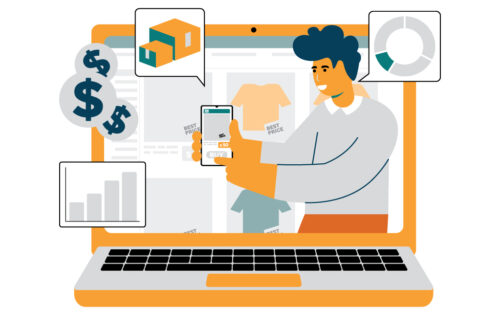
Digital products are the best place to start if you want to make constant online income . They are easy to make and easy to sell. There is no need for shipping. Once made, they can earn for you again and again.
The digital economy is growing faster than ever. People buy digital products daily basis: planners, e-books, templates, courses, trackers, guides, graphics, presets, and more. The best part?
To begin you don’t need technical skills, a degree, or a big audience to start.
If you have never sold anything online before, this beginner guide will explain what digital products are. It will explain why they are so powerful. It will also guide you on how you can create your own.


What Are Digital Products? (Simple Definition)
Digital products are downloadable or accessible files that customers can use on their phones, laptops, or tablets.
Examples include:
- E-books
- Templates (Canva, Google Docs, Google Sheets)
- Notion dashboards
- Printable planners
- Courses
- Stock photos
- Apps
- Digital stickers
- Presets
- Social media templates
Once you create them , and they can be sold unlimited times without extra cost.
Why Digital Products Are Perfect for Beginners
1. Zero Inventory, Zero Shipping
There is nothing physical to pack or deliver. Everything is automated.
2. You Build an Asset That Pays Long-Term
One digital product can earn for months or even years.
3. Global Market
Anyone from any country can buy your product instantly.
4. No Technical Skills Needed for digital products
Tools like Canva, Notion, Google Sheets, and Gumroad make things easy.
5. Passive Income Potential
You don’t trade time for money. Your product works for you 24/7.
Types of Digital Products You Can Start Creating Today


1. E-books (Beginner-Friendly + High Demand)
The short 20–40 page guides sell extremely well.
You can start on topics like:
- Money management
- Self-improvement
- Social media growth
- Productivity
- Meal prep
- Fitness basics
Small e-books are trending more than long ones.
2. Canva Templates
It is perfect who love to design.
Here are top-selling templates include:
- Instagram posts
- Resumes
- Business cards
- Planners
- Checklists
- Social media calendars
- Presentation templates
Canva has drag-and-drop tools, so no graphic skills needed.
3. Notion Templates
Massive demand in 2024–2025.
You can create:
- Student dashboards
- Finance trackers
- Work planners
- Habit trackers
- Creator dashboards
- Startup templates
Notion users love aesthetic, minimal templates.
4. Google Sheets Trackers
People buy templates that help them stay organized.
Examples:
- Expense tracker
- Budget sheet
- Workout tracker
- Goal tracker
- Social media analytics sheet
These are simple to create using formulas.
5. Online Courses (Mini Courses Work Best)
You don’t need a full 20-hour course.
Short courses with 5–7 lessons sell extremely well.
topics:
- Canva basics
- AI tools
- Freelancing
- Blogging
- Fitness for beginners
- Food recipes
6. Digital Planners
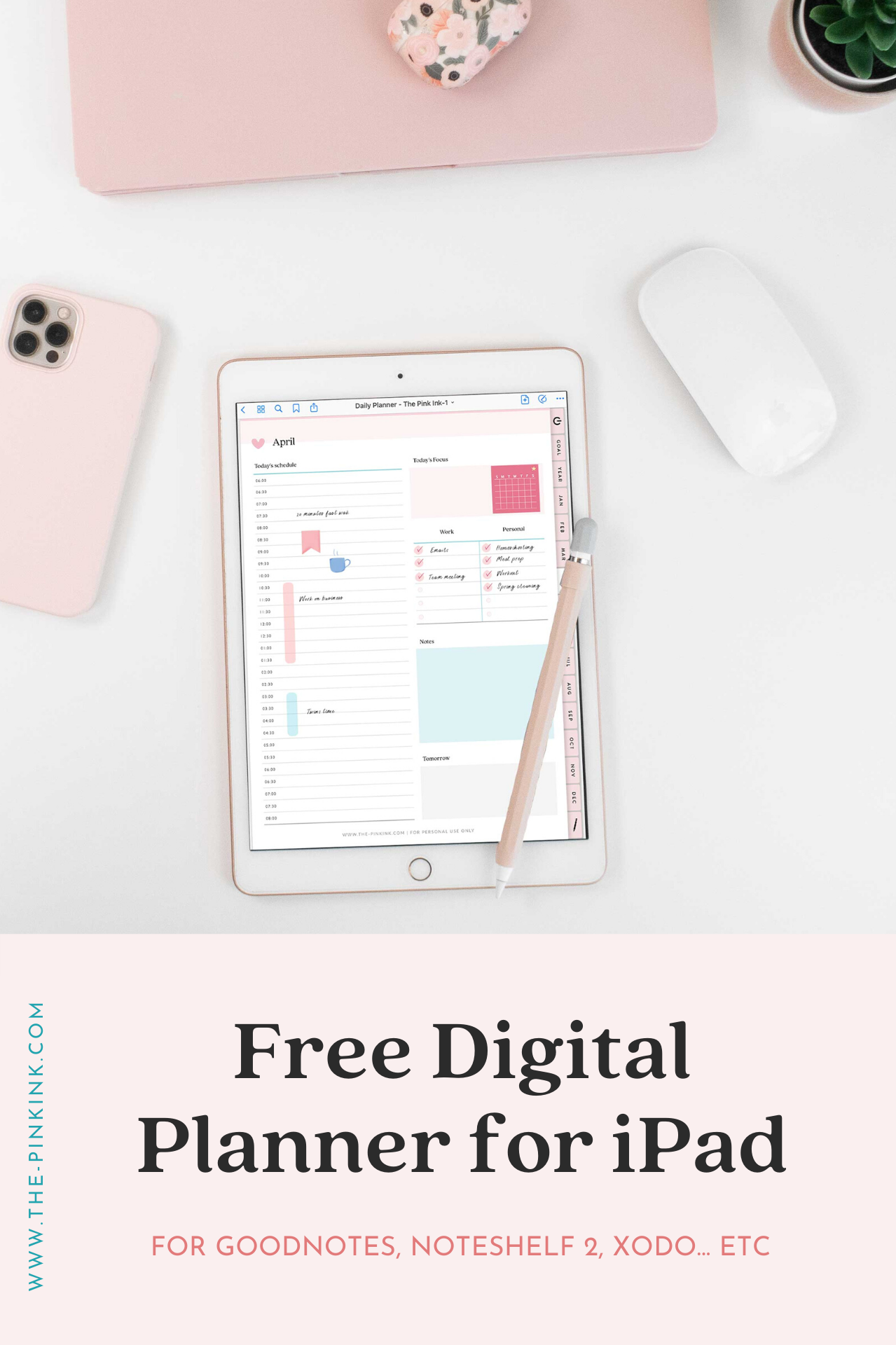
These can be used on Good-Notes, Notability, and tablets.
You can sell this below planners:
- Daily planners
- Weekly planners
- Personal growth journals
- Business planners
- Fitness journals
They sell especially well on Etsy.
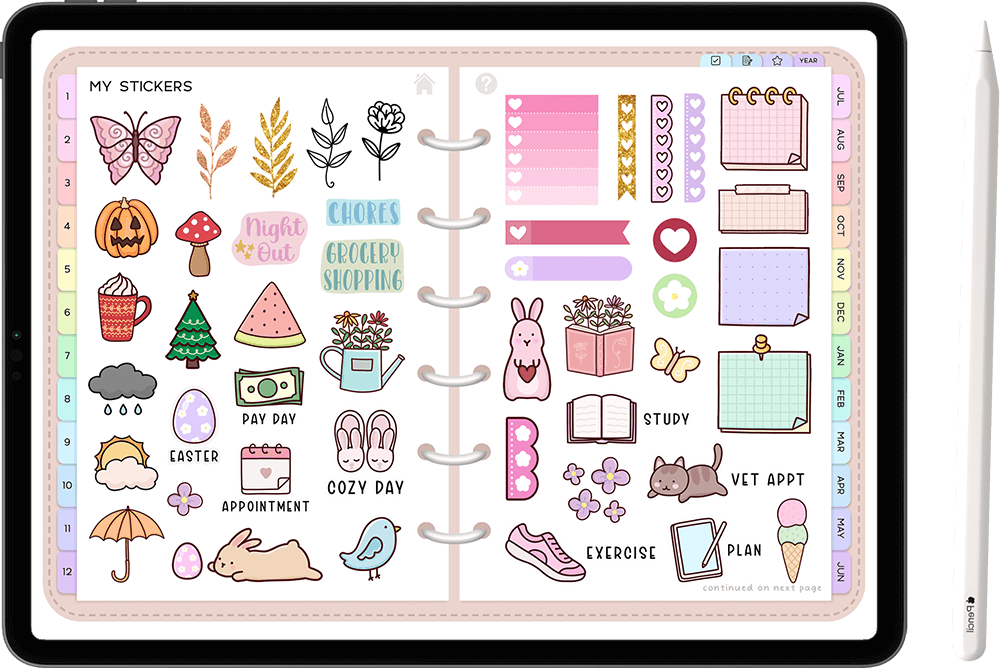
7. Digital Stickers
These are trending.
Types include:
- Aesthetic minimal icons
- Cute stickers
- Good-Notes stickers
- Productivity labels
- Emoji packs
No drawing skills needed — Canva is enough.
How to Create Your First Digital Product (Beginner Road-map)


Step 1: Pick One Basic Product Type
Choose below:
- E-book
- Template (Canva / Google Sheets)
- Planner
- Stickers
- Notion template
Avoid Difficult products at the start.
Step 2: Choose a Micro Niche Topic
It is simple to make first sale in small niche.
Examples:
- “For Working Women Daily Planner ”
- “For Students Simple Expense Tracker ”
- “ For Office Workers Beginner Fitness Guide ”
- “ For Small Businesses Instagram Content Planner”
Micro = quick ranking + higher conversions.
Step 3: Create Your Digital Products Using Beginner Tools
You can use:
- Canva (It is for templates, planners, e-books)
- Google Sheets (trackers)
- Notion (dashboards)
- Google Docs (e-books)
Advanced design skills are not required.
Step 4: Export Your Product
Always export as:
- PDF (for planners, e-books)
- PNG/JPG (for stickers)
- Shareable template link (Canva/Notion)
Step 5: Upload to a Selling Platform
The beginner-friendly platforms:
- Gumroad
- Payhip
- Shopify (later)
- Etsy (global customers)
- Your own blog (example.com)
Gumroad + Payhip are easiest for Indians.
Step 6: Create a Simple Digital Product Cover
Use clean colors, large letters, and minimal design.
A good cover increases sales by 50%.
Step 7: Publish Your Product + Write a Clear Description
Include this:
- What the product is
- Who it is for
- What problems it solves
- What’s included
- How to use it
Beginners skip this part, but it is essential.
How Much Can You Earn Selling Digital Products? (Realistic)
The Beginners usually start with:
- ₹5,000–₹15,000/month in the first 1–2 months
Then you can grow to: - ₹20,000–₹50,000/month
And the long-term creators reach: - ₹1 lakh+ per month
without ads, employees, or shipping.
Where to Promote Your Digital Products?
1. Pinterest
Perfect for planners, templates, and worksheets.
2. Instagram
Reels + carousel posts work best for visibility.
3. Your Blog (Example.com)
This builds long-term SEO traffic.
4. YouTube Shorts
Short tutorials work extremely well.
Common Mistakes Beginners Must Avoid while starting digital product
❌ Making a very broad or generic product
Micro topics always perform better.
❌ Overcomplicated design
Simple design sells more.
❌ Not using mockups
Mockups make your product look premium.
❌ Pricing too high in the beginning
Start small → increase later.
❌ No marketing
Even the best product won’t sell without visibility.
Conclousion
Starting with digital products is one of the easiest and most beginner-friendly ways to build an online income. You don’t need advanced skills, expensive things , or a huge following to get started. All you need is one good idea and the eager to learn and create.
The digital world is only getting bigger. People are constantly looking for useful e-books, templates, planners, guides, and tools. These resources can make their life easier. That means there is plenty of space for you too.
Take the first small step today. Choose a simple product. Create it at your pace and put it out there. Your first sale might be small, but it can open the door to a long-term, steady income.
You never know… the digital product you create today could become the start of your entire online business
1. Do I need skills to start selling digital products?
No. Tools like Canva, Notion, and Google Sheets make it beginner-friendly. You learn as you go.
2. What’s the easiest digital product to begin with?
A simple planner, tracker, or short e-book. Solve one clear problem, keep it simple.
3. Where should I sell my product?
You can Start with Gumroad, Payhip, or Etsy. They are easy to set up and handle payments automatically.
4.When I can make my first sale?
Depends on your topic and how you promote it. Many beginners see sales within a few weeks once they post consistently.If you post consistently you see the result.
5. What if no one buys my product?
You should not give up. Improve your product cover, narrow your niche, and rewrite your description to clearly show the problem you solve.